
Dell Vostro 15 3000 Series Laptop Quick Start Guide
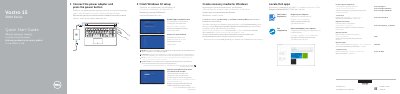
This guide helps you set up your Dell Vostro 15-3565 laptop quickly. Connect the power adapter, press the power button, and complete Windows 10 setup. Enable support and protection, connect to your network, and sign in to your Microsoft account or create a local account.
The laptop features a camera, microphone, touchpad, USB 2.0 and 3.0 ports, VGA, network, and power connectors, a memory card reader, battery, and service tag label. Use shortcut keys to control volume, brightness, and wireless connectivity.
Connect the power adapter and press the power button.
Enter the password for the wireless network access when prompted.
Sign in to your Microsoft account or create a local account.