
Dell Latitude 14 7000 Series Quick Start Guide
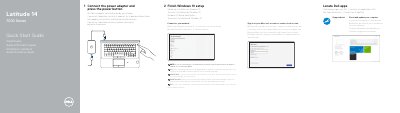
This guide helps you connect the power adapter, turn on the laptop, complete Windows 10 setup, and connect to a network. It includes instructions for signing in to a Microsoft account or creating a local account. The guide also lists hardware features like ports, camera, speakers, and optional readers.
The document is multilingual, with translations in Dutch, French, German, Italian, and Spanish. It includes regulatory information and model-specific details such as the regulatory model P61G and type P61G001.
| Regulatory Model | P61G |
|---|---|
| Regulatory Type | P61G001 |
| Computer Model | Latitude 14-7470/E7470 |
Enter the password for the wireless network access when prompted.
It has a network connector, HDMI connector, Mini DisplayPort, USB 3.0 connectors (2), power connector, microphones (touchscreen or non-touchscreen), camera, headset connector, SIM port (optional), memory card reader, and more.