
Dell Inspiron 17-5759 Laptop Quick Start Guide

Dell Inspiron 17-5759 Laptop Quick Start Guide
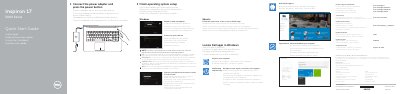

Dell Inspiron 17-5759 Laptop Quick Start Guide - cover page
Brand
DELL
Category
Laptops
Document type
Quick Start Guide
Language
English
Pages
2
File format
PDF
File size
675 KB
Published
24 November, 2023
Updated
24 November, 2023
MD5 checksum
1CD3A33EF03A77DE4379F50D5F934288

About this manual

The Dell Inspiron 17-5759 Quick Start Guide provides essential instructions for setting up the laptop, including connecting power, configuring the operating system, and connecting to a network.

It includes a detailed map of the device's hardware features, such as ports and indicators, as well as a reference for the laptop's shortcut keys for audio, display, and system control.

What's inside

  • Product support and manuals
  • Regulatory and safety
  • Operating system setup
  • Dell apps in Windows
  • Features
  • Shortcut keys

Specifications

Input Voltage100 V AC–240 V AC
Frequency50 Hz–60 Hz
Output Voltage19.50 V DC

Frequently asked questions

How do I start the laptop for the first time?

Connect the power adapter and press the power button.

What should I do if I am connecting to a secured wireless network?

Enter the password for the wireless network access when prompted.

Download PDF (675 KB)

More DELL Manuals


View all DELL manuals →