
This document describes how to set up Windows. First, connect the power adapter and press the power button. Then, set up a Windows password and connect to a network.
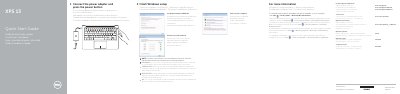
The Dell XPS 13 (XPS 9350) Quick Start Guide provides essential instructions for initial setup and hardware identification. It guides users through finishing the Windows setup, including password configuration and network connection.
The document also includes a detailed map of the computer's physical features, such as ports and indicator lights, and a list of keyboard shortcut keys for audio, display, and system control.
Enter the password for the wireless network access when prompted.
Click Start → All Programs → Dell Help Documentation.