
Honeywell UtilityPRO Series Touchscreen Programmable Thermostat Operating Manual

This manual describes the features and functions of the UtilityPRO TM series touchscreen programmable thermostat.
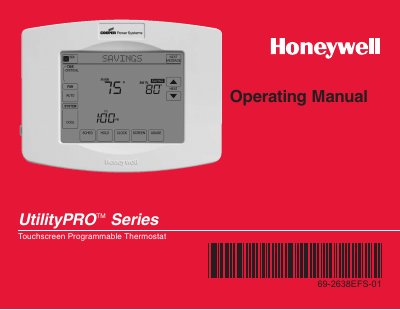

Honeywell UtilityPRO Series Touchscreen Programmable Thermostat Operating Manual - cover page
Brand
Honeywell
Category
Other
Document type
User Manual
Language
English
Pages
96
File format
PDF
File size
3.1 MB
Published
24 November, 2023
Updated
24 November, 2023
MD5 checksum
29C595162F88CB4F092C9F6FCCF14916

About this manual

The Honeywell UtilityPRO Series is a touchscreen programmable thermostat designed for reliable climate control. It features a large backlit display and is pre-programmed for energy-saving levels to maximize comfort and economy.

Key capabilities include 7-day program schedules, one-touch temperature overrides, and integration with utility services for billing information and demand response messages.

What's inside

  • About your new thermostat
  • Thermostat Features
  • Quick Reference to Controls
  • Quick Reference to Status Display
  • Subscription Services
  • Programming & Operation
  • Battery Replacement
  • Advanced Functions
  • Troubleshooting

Specifications

Temperature Control PrecisionWithin 1°F

Frequently asked questions

How should I interact with the touchscreen?

Always use your fingertip to press keys; do not use sharp instruments like pens or pencils to avoid damage.

What is the caution regarding the cooling system?

The cooling system should not be operated when the outdoor temperature is below 50°F (10°C) to prevent compressor damage.

Download PDF (3.1 MB)

More Honeywell Manuals


View all Honeywell manuals →