
The Cisco SPA 525G2 IP Phone User Guide describes how to use the Cisco SPA 525G2 IP Phone.
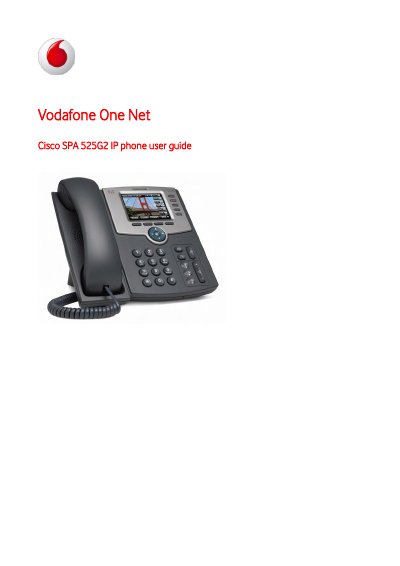
The Cisco SPA 525G2 is a full-featured VoIP phone designed for business use, supporting voice communication over an IP network. It includes traditional features such as call forwarding, redialing, speed dialing, and conference calling, allowing calls to be made or received via handset, headset, or speakerphone. The device connects to the network through an Ethernet port and provides an additional Ethernet port for connecting a computer.
| LCD screen size | 3.2-inch |
|---|---|
| Ethernet ports | 2 Ethernet 10/100 Mbps ports |
| Power over Ethernet | 802.3af support |
| USB port | USB 2.0 host port |
| Bluetooth capability | Yes |
| Headphone jack | 2.5mm stereo headphone jack |
Yes, the Cisco 525G2 provides an additional Ethernet port that allows a computer to be connected to the network through the IP phone.
When the message waiting indicator flashes red, it indicates that you have an incoming call.
Press the Mute button to turn mute on and off; the button glows red when the phone is muted.