
The Dell Precision Tower 5810 Quick Start Guide provides information on how to set up and use the Dell Precision Tower 5810 desktop computer.
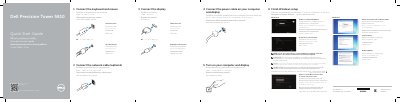
This document serves as a multilingual Quick Start Guide for the Dell Precision Tower 5810 workstation. It provides step-by-step instructions for initial setup, including connecting peripherals like keyboards, mice, and displays, as well as configuring the Windows operating system and enabling security updates.
The guide also includes a detailed diagram identifying the various ports and connectors on the front and rear of the workstation, such as USB 2.0 and 3.0 connectors, PS/2 ports, and optical drive eject buttons. Additionally, it lists features and points users to support resources.
Connect them using the USB connector or the PS/2 connector.
Use the DVI connector or the DisplayPort connector.
No, connecting the network cable is optional.
Turn on the computer and display.