
XPS 27 Quick Start Guide
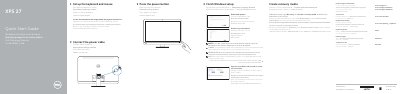
This two-page guide covers initial setup of the Dell XPS 2720, including connecting the keyboard and mouse, power cable, and completing Windows setup. It also explains how to create recovery media and where to find Dell apps and support resources.
The guide includes a labeled features diagram identifying the computer's ports, controls, camera, optical drive, and other hardware, along with regulatory and safety information.
| Microphones | 2 |
|---|---|
| USB 3.0 ports (side) | 2 |
| USB 3.0 ports (rear) | 4 |
| Thunderbolt port | Optional |
| HDMI-out port | 1 |
| HDMI-in port | 1 |
| Media-card reader | 1 |
| Network port | 1 |
In Windows search, type Recovery, click Create a recovery media, and follow the instructions on the screen.
Dell provides support and manuals at Dell.com/support and Dell.com/support/manuals.
Touch and hold the input source selection/display off control to turn off the screen.