
Dell Latitude 5290 Quick Start Guide
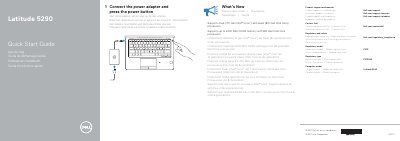
This document serves as a Quick Start Guide for the Dell Latitude 5290 laptop. It provides instructions for initial setup, specifically connecting the power adapter and pressing the power button. The guide is available in multiple languages including English, Dutch, French, German, and Italian.
| Processor Support | Dual (7th Gen Intel Core) and Quad (8th Gen Intel Core) processors |
|---|---|
| Memory Support | up to 2400 MHz DDR4 memory |
| Document Date | November 2017 |
This version supports Dual (7th Gen Intel Core) and Quad (8th Gen Intel Core) processors and up to 2400 MHz DDR4 memory with 8th Gen Intel Core processors.
You can find product support and manuals at Dell.com/support or Dell.com/support/manuals.