
The Dell Wyse 7290 is a cloud client with the following features: 1. Powered by an Intel Celeron processor for powerful performance. 2. Supports dual displays for easy multitasking. 3. Built-in Wi-Fi and Bluetooth for easy connectivity. 4. Supports multiple operating systems for broad compatibility.
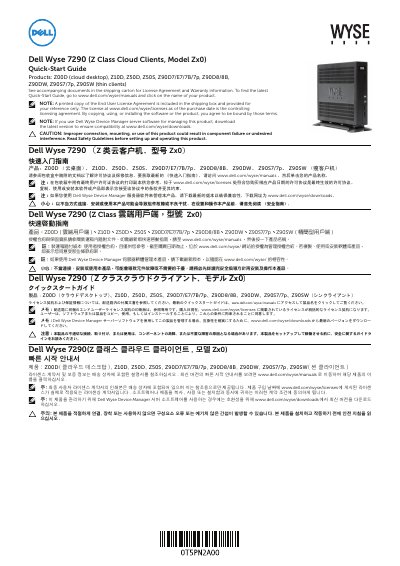
This document serves as a Quick-Start Guide for the Dell Wyse 7290 Z Class Cloud Client, which includes models such as the Z00D, Z10D, Z50D, Z50S, Z90D series, and Z90SW. It provides essential information for users to begin using the device, including references to the License Agreement and Warranty information found in the shipping carton. Users are directed to the Dell Wyse website for the latest version of the guide and for downloading the Dell Wyse Device Manager server software to ensure compatibility.
| Network Port Speed | 10/100/1000 Base-T |
|---|---|
| Power Adapter Input | +19V |
| USB 2.0 Ports | 2 |
| SuperSpeed USB 3.0 Ports | 2 |
| Serial Ports | 2 (optional) |
| PS/2 Keyboard Port | 1 (optional) |
| Parallel Port | 1 (optional) |
| Wireless Antenna Ports | 2 (optional) |
See accompanying documents in the shipping carton for License Agreement and Warranty information.
Go to www.dell.com/wyse/manuals and click on the name of your product.
No, the wireless option is not available in all localities.
Not all USB devices are supported; check with Dell or your Dell representative.