
This document provides safety information for the Dell P28F monitor.
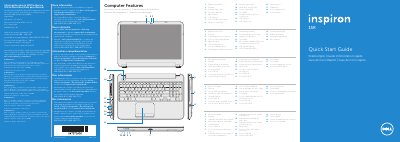
This document serves as a Quick Start Guide for the Dell P28F Inspiron 5521 laptop. It includes regulatory information for Mexico, a list of computer features with corresponding labels, and step-by-step instructions for initial setup, including setting a password and connecting peripherals. The guide is multilingual, providing instructions in English, Dutch, French, Portuguese, and Spanish.
| Input Voltage | 100 – 240 V AC |
|---|---|
| Input Frequency | 50 Hz – 60 Hz |
| Input Current (Max) | 1,50 A/1,60 A/1,70 A/2,50 A |
| Output Voltage | 19,50 V DC |
| Output Current | 3,34 A/4,62 A |
Do not use the @ symbol in your password.
Press the wireless function key to check the status of the wireless network.