
Dell Precision M90 Mobile Workstation Service Manual

The Dell Precision™ M90 Mobile Workstation Service Manual provides important information about the product, including specifications, components, and troubleshooting steps.
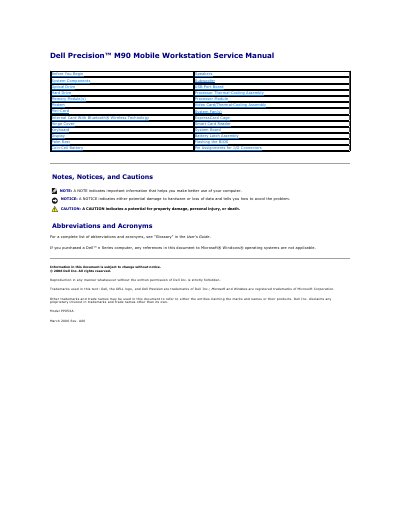

Dell Precision M90 Mobile Workstation Service Manual - cover page
Brand
DELL
Category
Laptops
Document type
Service Manual
Language
English
Pages
54
File format
PDF
File size
1.9 MB
Published
20 November, 2023
Updated
20 November, 2023
Model
M90
MD5 checksum
A5F7C68B808FC76845DE56378CDE5471

About this manual

This document serves as a service manual for the Dell Precision M90 Mobile Workstation. It provides detailed instructions for removing and replacing various internal components, including the battery latch assembly, system board, hard drive bay, and display assembly. The manual also covers procedures for accessing and replacing the Mini-Card and ExpressCard cage.

What's inside

  • Before You Begin
  • Recommended Tools
  • Turning Off Your Computer
  • Before Working Inside Your Computer
  • Removing the Battery Latch Assembly
  • Replacing the Battery Latch Assembly
  • Removing the Internal Card With Bluetooth Wireless Technology
  • Removing the ExpressCard Cage
  • Removing the Mini-Card

Frequently asked questions

What tools are required to remove and install components in the Dell Precision M90?

The procedures may require a small flat-blade screwdriver, a Phillips screwdriver, a small plastic scribe, and a Flash BIOS update program CD.

How long must the power button be held to force the computer off?

You must press and hold the power button for 4 seconds if the computer does not turn off automatically.

What is the size of the screws used to attach the hard drive bay?

The hard drive bay is attached using four M2 x 3-mm screws.

Download PDF (1.9 MB)

More DELL Manuals


View all DELL manuals →