
Dell Inspiron N5110 Service Manual

The Dell™ Inspiron™ N5110 Manual provides information on how to use and maintain your Dell™ Inspiron™ N5110 laptop.
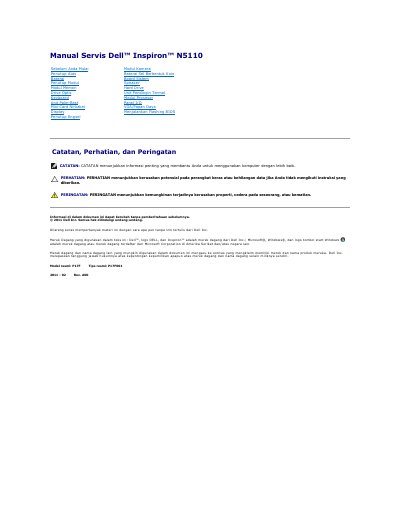

Dell Inspiron N5110 Service Manual - cover page
Brand
DELL
Category
Laptops
Document type
Service Manual
Language
ID
Pages
45
File format
PDF
File size
1.1 MB
Published
20 November, 2023
Updated
20 November, 2023
MD5 checksum
08964A3DA8CAC5EA7D3E3BDCEBD3567B

About this manual

This document is a service manual for the Dell Inspiron N5110 laptop. It provides detailed instructions for qualified technicians on how to remove and replace various internal components, including the battery, camera module, palm rest, and display unit. The manual also covers safety precautions, recommended tools, and procedures for flashing the BIOS.

What's inside

  • Melepaskan Baterai
  • Mengganti Baterai
  • Menjalankan Flashing BIOS
  • Melepaskan Modul Kamera
  • Memasang Kembali Modul Kamera
  • Melepaskan Unit Palm-Rest
  • Memasang Kembali Unit Palm-Rest
  • Melepaskan Unit Display
  • Memasang Kembali Unit Display
  • Melepaskan Bezel Display

Frequently asked questions

What is the official model number for this Dell Inspiron laptop?

The official model is P17F and the official type is P17F001.

What tools are recommended for replacing components in this computer?

The recommended tools include a small flathead screwdriver, a Phillips screwdriver, and a plastic pry tool.

How do I find the BIOS update file for my specific computer?

You must visit support.dell.com/support/downloads and either enter your Service Tag or select your specific product model.

Download PDF (1.1 MB)

More DELL Manuals


View all DELL manuals →