
Dell XPS 2720 Series Service Manual

The Dell XPS 27 User Manual provides information on how to use and maintain your Dell XPS 27 computer.
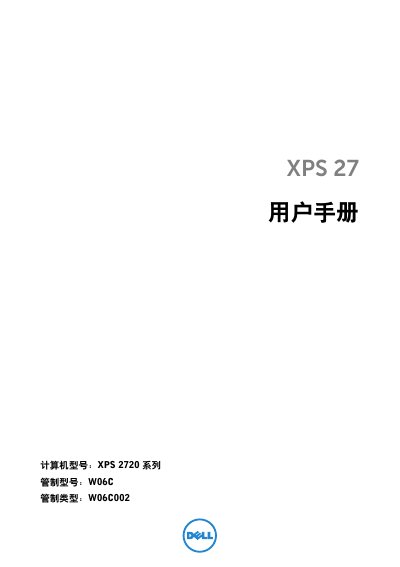

Dell XPS 2720 Series Service Manual - cover page
Brand
DELL
Category
All-in-One Desktops
Document type
Service Manual
Language
Chinese
Pages
116
File format
PDF
File size
3.3 MB
Published
20 November, 2023
Updated
20 November, 2023
MD5 checksum
5D1FE504179A94A8302EDEB52664D84B

About this manual

This document is the official service manual for the Dell XPS 2720 Series all-in-one computer. It contains detailed procedures for removing and replacing internal components such as the system board, processor, hard drive, and optical drive. The guide also covers the removal and installation of the rear cover, decorative covers, and various I/O panels. This manual is written in Chinese.

What's inside

  • Safety Instructions
  • Removing the Rear Cover
  • Removing the Decorative Cover
  • Removing the Stand
  • Removing the Optical Drive
  • Removing the Memory Module
  • Removing the System Board Shield
  • Removing the Power Device Fan
  • Removing the Hard Drive
  • Removing the System Board

Specifications

Product SeriesXPS 2720 Series
Control ModelW06C
Control TypeW06C002

Frequently asked questions

What information is needed before calling Dell Customer Service?

You must have your Quick Service Code and Service Tag ready to help the support system route your call.

Where can the Service Tag or Quick Service Code be found?

The Service Tag or Quick Service Code can be found on the label located at the bottom of the computer.

Download PDF (3.3 MB)

More DELL Manuals


View all DELL manuals →