
Dell Inspiron N5110 Service Manual

The Dell™ Inspiron™ N5110 Service Manual provides information on how to use and maintain your Dell™ Inspiron™ N5110 laptop.
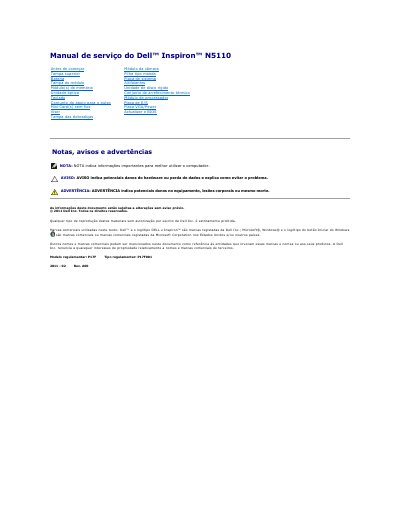

Dell Inspiron N5110 Service Manual - cover page
Brand
DELL
Category
Laptops
Document type
Service Manual
Language
Portuguese
Pages
45
File format
PDF
File size
1.1 MB
Published
20 November, 2023
Updated
20 November, 2023
MD5 checksum
480A0B6520283FCFEA49A09D521239CA

About this manual

This document is the service manual for the Dell Inspiron N5110 laptop. It contains detailed procedures for the removal and installation of various internal components, including the battery, camera module, hard drive, optical drive, and system board. The manual also outlines safety precautions and required tools for technicians. This manual is written in Portuguese.

What's inside

  • Antes de começar
  • Desligar o computador
  • Retirar a bateria
  • Voltar a colocar a bateria
  • Actualizar o BIOS
  • Retirar o módulo da câmara
  • Voltar a colocar o módulo da câmara

Frequently asked questions

What tools are required to remove or install components in the Dell Inspiron N5110?

The procedures may require a small flathead screwdriver, a Phillips screwdriver, a pointed plastic instrument, and an executable BIOS update program.

How should a user ground the system board before working inside the computer?

Turn the computer over, open the display, and press the power button to ground the system board.

When is it necessary to update the BIOS for the Dell Inspiron N5110?

You may need to update the BIOS when a new update is available or when replacing the system board.

Download PDF (1.1 MB)

More DELL Manuals


View all DELL manuals →