
指南介绍了如何在 Windows 上设置密码。
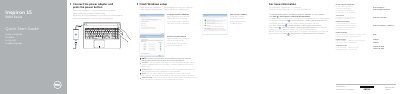
This quick start guide is for the Dell Inspiron 15 5000 Series and covers finishing Windows setup, setting a Windows password, connecting to a network, and protecting the computer. It also identifies the computer's ports, controls, and shortcut keys.
The guide lists computer models Inspiron 15-5558 and Inspiron 15-5551 and points to Dell support and documentation for additional features and specifications.
| Computer model | Inspiron 15-5558 / Inspiron 15-5551 |
|---|---|
| USB 3.0 port | 1 |
| USB 2.0 ports | 2 |
| HDMI port | 1 |
| Network port | Inspiron 15-5558 only |
| Media-card reader | 1 |
| Optical drive | 1 |
| Security-cable slot | 1 |
Click Start, then All Programs, then Dell Help Documentation.
Enter the password for wireless network access when prompted.
See Specifications at dell.com/support.