
Inspiron 24 7000 Series Quick Start Guide
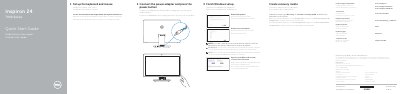
This guide helps set up the Dell Inspiron 24 7000 Series all-in-one computer, including connecting the keyboard and mouse, power adapter, Windows setup, Dell updates, network connection, Microsoft account sign-in, and recovery media creation.
It also identifies the computer's ports and controls, describes SupportAssist, registration, Dell Help & Support, and locating Dell apps, and lists power adapter ratings for the Inspiron 24-7459 model. This manual is written in French.
| Power adapter input voltage | 100 V AC–240 V AC |
|---|---|
| Power adapter input frequency | 50 Hz–60 Hz |
| Power adapter input current | 2.50 A |
| Power adapter output voltage | 19.50 V DC |
| Power adapter output current | 4.62 A/6.67 A |
In Windows search, type Recovery, click Create a recovery media, and follow the instructions on the screen.
Enter the password for the wireless network access when prompted.
Use Dell.com/support and Dell.com/support/manuals.