
Dell Inspiron 15 5000 Series Quick Start Guide.
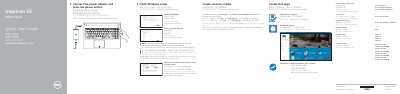
This guide helps users connect the power adapter, finish Windows setup, enable Dell updates, connect to a network, sign in to a Microsoft account or create a local account, locate Dell apps, and create recovery media.
It also identifies the laptop's features and ports, lists supported computer models, and provides shortcut-key functions for audio, brightness, wireless, sleep, and display controls.
| Regulatory model | P51F |
|---|---|
| Regulatory types | P51F001, P51F002, P51F003, P51F005 |
| Left microphone and network port availability | Inspiron 15-5558 and Inspiron 15-5555 only |
In Windows search, type Recovery, click Create a recovery media, and follow the instructions on the screen.
Visit Dell.com/support, Dell.com/support/manuals, and Dell.com/support/windows.
The left microphone and network port are available on Inspiron 15-5558 and Inspiron 15-5555 only.