
The Latitude 13 7000 Series Quick Start Guide provides instructions on how to connect the power adapter, finish Windows 10 setup, enable support and protection, and connect to a network.
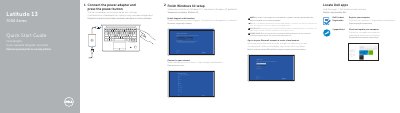
This quick start guide provides basic setup instructions for the Dell Latitude 13 7000 series laptop. It includes steps for connecting the power adapter, setting up Windows 10, and connecting to a network.
The second page lists the physical features and ports of the laptop, such as the security-cable slot, power button, USB connectors, and various card readers.
Connect the power adapter and press the power button.
The computer runs Windows 10, and the guide instructs to finish the Windows 10 setup.