
Quick Start Guide for Dell Inspiron 14-3000 Series Notebook.
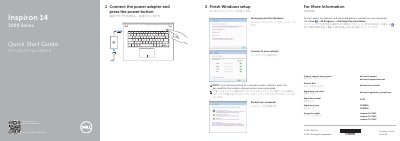
This Quick Start Guide covers the initial setup process for the Dell Inspiron 14-3000 Series notebooks, including finishing Windows setup, connecting to networks, and protecting the computer. It also directs users to Dell Help Documentation for advanced features and options.
Connect the power adapter and press the power button.
It provides an HDMI port.
Inspiron 14-3441, Inspiron 14-3442, and Inspiron 14-3443.
Use the shortcut key labeled Switch to external display.