
The Dell EMC PowerEdge R240 Getting Started Guide describes the features and characteristics of the product.
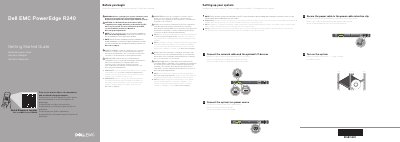
The document begins with safety warnings and notes about using EPP-compliant power supplies, then outlines the steps to set up the system, including rack installation, connecting cables, and powering on. It also includes a Quick Resource Locator for further help.
The second part lists legal specifications such as power supply wattage, system battery, maximum ambient temperature, and regulatory model information, along with reminders to check the online documentation for updates.
| Wattage at 100–240 V | 250 W |
|---|---|
| Derated Wattage at 100–120 V – Low Line | 250 W |
| System battery | 3 V CR2032 lithium coin cell |
| Maximum ambient temperature for continuous operation | 35°C/95°F |
| Regulatory model/type | E57S Series/E57S001 |
Follow the safety instructions included in the Safety, Environmental, and Regulatory Information document shipped with the system.
Use an Extended Power Performance (EPP) compliant PSU indicated by the EPP label.
See Dell.com/poweredgemanuals for a complete and current listing.
35°C/95°F.