
This document is a quick start guide for Dell computers, and it introduces how to set up and use a Dell computer.
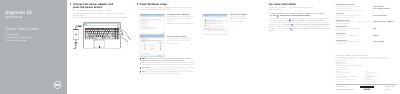
This document serves as a Quick Start Guide for the Dell Inspiron 15 5000 Series laptop. It provides essential instructions for setting up the device, including connecting the power adapter, configuring Windows passwords, and connecting to a network. The guide is presented in multiple languages, including English, Dutch, French, and Spanish.
| Regulatory model | P51F |
|---|---|
| Regulatory type | P51F002 |
| Input voltage | 100 V CA–240 V CA |
| Input frequency | 50 Hz–60 Hz |
| Output voltage | 19,50 V CC |
To learn about features and advanced options, click Start → All Programs→ Dell Help Documentation.
The regulatory model is P51F.
It is located on the bottom of the computer, labeled as item 20.