
Honeywell RTH8580WF Wi-Fi Touchscreen Programmable Thermostat User Guide

This user guide describes the features and functions of the Honeywell Wi-Fi touchscreen programmable thermostat model RTH8580WF.
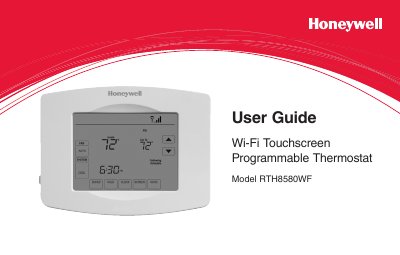

Honeywell RTH8580WF Wi-Fi Touchscreen Programmable Thermostat User Guide - cover page
Brand
Honeywell
Category
Other
Document type
User Manual
Language
English
Pages
144
File format
PDF
File size
5.5 MB
Published
19 November, 2023
Updated
19 November, 2023
MD5 checksum
AA33185FEEDDAB3786E4BF1794F76CA9

About this manual

This manual provides instructions for the Honeywell RTH8580WF Wi-Fi touchscreen programmable thermostat. It details the contents of the box, including the thermostat, wallplate, and accessories. The guide explains how to install the device on a 24-volt system and connect it to the Internet for remote monitoring and control via Honeywell's Total Connect Comfort Solutions.

What's inside

  • About your new thermostat
  • Home screen quick reference
  • Message center messages
  • Installing your thermostat
  • Connecting to your Wi-Fi network
  • Registering your thermostat online
  • Setting the fan
  • Selecting system mode
  • Adjusting program schedule
  • Frequently asked questions

Specifications

System Voltage24 volt systems
Incompatible Voltage120/240 volt systems
Battery TypeCoin cell battery

Frequently asked questions

What systems is this thermostat compatible with?

This thermostat works on 24 volt systems.

Can this thermostat be used on 120/240 volt systems?

No, it will not work on 120/240 volt systems.

What happens if the outside temperature drops below 50°F?

Do not run the air conditioner to avoid possible compressor damage.

Download PDF (5.5 MB)

More Honeywell Manuals


View all Honeywell manuals →