
The Cerbo GX is a multifunctional device that can be connected to a wide range of Victron products, and provides control and monitoring of them. It can be connected to the internet via Ethernet, Wi-Fi, GX GSM or a 3G/4G router.
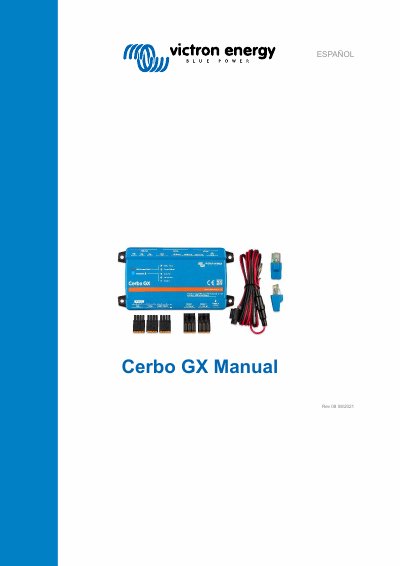
This manual provides instructions for the Victron Cerbo GX, a central control unit for energy systems. It details the contents of the package, including the device, power cable, and terminators. The guide explains how to install the unit, connect various Victron products like VE.Bus inverters and MPPT chargers, and set up external sensors such as GPS and fuel level transmitters. This manual is written in Spanish.
| Power input voltage | 8 to 70 V DC |
|---|---|
| Fuse rating | 3.15 A |
The manual addresses this in the FAQ section, noting that different solutions exist for calculating the state of charge.
The FAQ section specifically asks if multiple Cerbo GX units can be connected to a single Multi/Inverter/Quattro system.
Powering the Cerbo GX from the AC-out of a VE.Bus product can cause a lockout where neither the Cerbo GX nor the VE.Bus products will start until the connection is briefly disconnected.