
This guide describes how to use the Touch 10 controller with the following products: MX Series: • MX200 G2 • MX300 G2 • MX700 • MX800 SX Series: • SX10 Quick Set • SX20 Quick Set • SX80 Codec Collaboration Series: • Room Kit • Room Kit Mini • Room Kit Plus with Codec Plus • Room Kit Pro with Codec Pro • Room 55 and 55 Dual • Room 70 and 70 G2 • Room Panorama
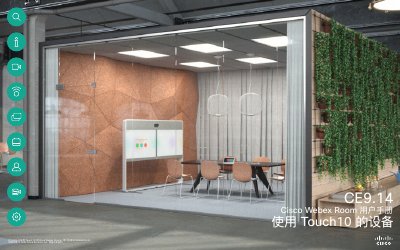
This document serves as a user guide for Cisco Webex Devices equipped with the Touch 10 controller. It provides instructions on using the device for video conferencing, managing contacts, and controlling camera functions. The guide also details how to use the Room Kit Mini as a USB camera and explains various call management features. This manual is written in Chinese.
The best position is at least 2 meters (6.5 feet) in front of the device on a plane at least 0.3 meters (1 foot) in front of the table.
Click and hold the * key to enter the dot used in IP addresses.
The device enters Do Not Disturb (DND) mode when the software client begins using the camera, rather than when the cable is inserted.