
The Sony AXS memory card reader user manual introduces the features and how to use the product.
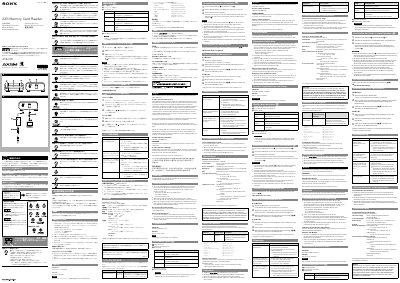
Sony AXS-CR1 is a memory card reader for AXS memory cards. It connects to a computer with a dedicated USB cable and an AC adapter, and transfers data recorded on AXS memory cards using USB 3.0.
The manual covers safety precautions, part names and access lamp states, connection and card insertion and removal steps for Windows and Mac OS, and troubleshooting for common recognition problems. This manual is written in Japanese.
| Model | AXS-CR1 |
|---|---|
| Data transfer interface | USB 3.0 |
| Power input | DC 12 V |
| USB connector | Standard-B |
| Power supply | AC adapter required; not USB-powered |
No. The unit cannot be powered through the USB cable; use the supplied AC adapter.
Slide the lock release lever outward while removing the card.
No card is inserted, a non-compatible card is inserted, or there is no access from the PC.
Connect the AC adapter and power cord, connect the adapter to the DC IN 12 V terminal, then connect the dedicated USB cable between the reader and the computer.