
Cisco DPC3010 and EPC3010 Cable Modem User Guide

Cisco 8x4 Cable Modem Models DPC3010 and EPC3010 DOCSIS 3.0 User Guide
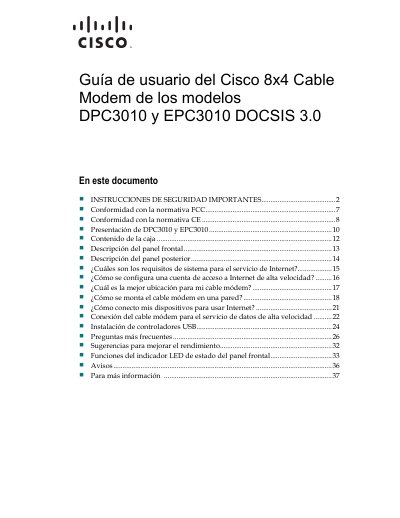

Cisco DPC3010 and EPC3010 Cable Modem User Guide - cover page
Brand
Cisco
Category
Other Electronics
Document type
User Manual
Language
Spanish
Pages
38
File format
PDF
File size
1.5 MB
Published
17 November, 2023
Updated
17 November, 2023
MD5 checksum
6664E12601987F18D35F95B1924F2EAF

About this manual

This document provides the user guide for the Cisco DPC3010 and EPC3010 DOCSIS 3.0 cable modems. It includes important safety instructions, regulatory compliance information, and a presentation of the device models.

The guide details the contents of the box, describes the front and rear panels, and explains system requirements for high-speed Internet service. It also covers configuration steps for Internet access accounts, optimal placement, wall mounting, and connecting devices for data service. This manual is written in Spanish.

What's inside

  • Safety Instructions
  • FCC Compliance
  • CE Compliance
  • Presentation of Models
  • Contents of the Box
  • Front Panel Description
  • Rear Panel Description
  • System Requirements
  • Configuration
  • Frequently Asked Questions

Frequently asked questions

What type of device are the DPC3010 and EPC3010?

They are Cisco 8x4 cable modems with DOCSIS 3.0.

How should the modem be cleaned?

Clean it only with a dry cloth.

Can the user repair the modem?

No, the product has no parts that the user can repair.

What should be done before connecting the product to power?

Remove all packaging before connecting the product to power.

Download PDF (1.5 MB)

More Cisco Manuals


View all Cisco manuals →