
This document provides basic instructions for installing the DCS-5615 Network Camera.
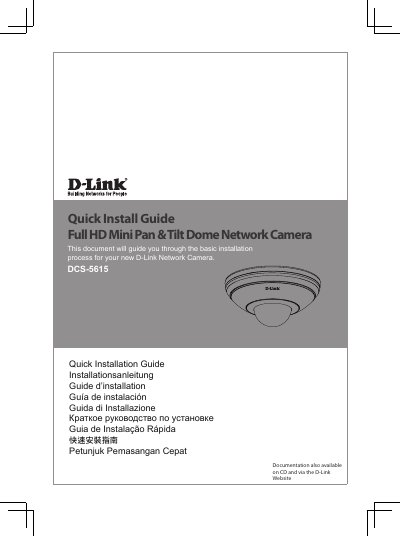
The D-Link DCS-5615 is a Full HD Mini Pan & Tilt Dome Network Camera. This guide provides basic instructions for the installation process, including package verification, hardware mounting, and initial configuration using the setup wizard.
The document details the physical installation on walls or ceilings, connection options via standard power or Power over Ethernet (PoE), and the process for inserting a microSD card for local storage.
| Pan Range | -180° to +180° |
|---|---|
| Tilt Range | 80° |
| Power Input | 12 V DC |
Recorded images and video can be stored on a local microSD card inserted into the microSD card slot.
It is used for storing recorded images and video locally.
It connects to a 12 V DC power adapter.
It can be mounted on a ceiling or wall capable of supporting its weight.