
The DCS-8635LH is a 2K QHD outdoor Wi-Fi camera with pan/zoom capabilities. It features the following:
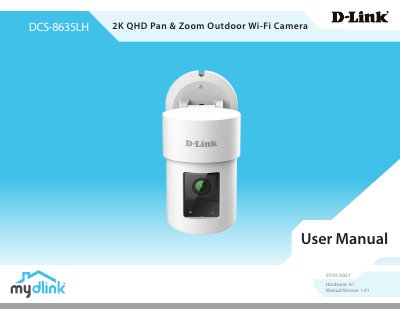
This D-Link DCS-8635LH User Manual covers the 2K QHD Pan & Zoom Outdoor Wi-Fi Camera. It includes hardware, package contents, system requirements, and safety information. The manual is labeled Hardware: A1, Manual Version: 1.01, dated 07/01/2021.
It covers product overview, introduction, hardware overview, LED behavior, installation, wireless installation considerations, mydlink app camera setup, device placement, mounting, app use, device settings, troubleshooting, technical specifications, and regulatory information. The text states a QHD 1440p resolution at 25fps, motorized pan, AI-based person detection, and Bluetooth Low Energy.
| Max Resolution | 4 Megapixel (QHD), 1440p (2560 x 1440) |
|---|---|
| Motorized Pan | Yes, -135° to +135° total 270° |
| Operating Temperature | -25 to 45°C (-13 to 113°F) |
| Storage Temperature | -20 to 70°C (-4 to 158°F) |
| Power Consumption | 7 W |
The manual lists a maximum resolution of 4 Megapixel (QHD), with 1440p (2560 x 1440).
The camera has motorized pan and a total range of -135° to +135°, for 270°.
It supports microSD cards up to 256 GB, and the card is not included.