
The D-Link DSN-6200/6500 Series is an iSCSI SAN storage system designed to help users efficiently manage network data.
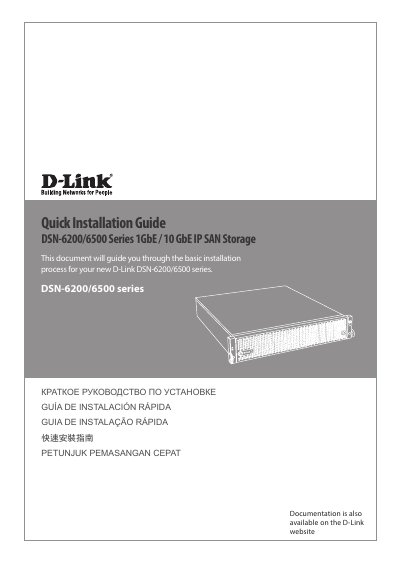
This document serves as a quick installation guide for the D-Link DSN-6200/6500 Series, a high-performance iSCSI SAN storage system designed for efficient network data management. It outlines the necessary preparation steps, including unpacking the package and verifying the contents such as the storage unit, HDD trays, power cords, and cables. The guide also details the hardware overview, highlighting features like dual active controllers and fully modular components.
It is an iSCSI SAN storage system designed to help users efficiently manage network data.
The default web UI credentials are user name admin and password 123456.
Installation requires a host with a Gigabit Ethernet NIC or iSCSI HBA.
To turn the system on, press the power button once.