
This user manual provides installation and usage instructions for the D-Link DN-70566 wireless USB adapter, covering driver setup, connection to access…
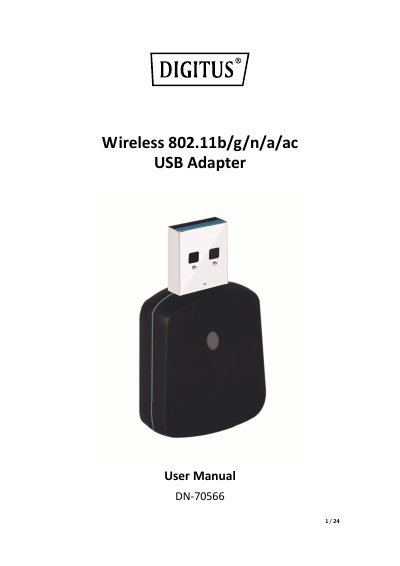
The document serves as a user guide for the D-Link DN-70566 Wireless 802.11b/g/n/a/ac USB Adapter. It details product features such as compliance with IEEE 802.11ac standards, USB 3.0 connectivity, and support for various encryption methods including WPA2 and WPS.
The guide covers the quick installation process, including driver installation on Windows and Macintosh systems, connecting to wireless access points using client utilities or Zero Config, and configuring security settings for both standard connections and Soft-AP (software access point) modes. It also includes a troubleshooting section for common issues like connection drops or slow network speeds.
The adapter complies with IEEE 802.11ac, IEEE 802.11a, IEEE 802.11n, IEEE 802.11g, and IEEE 802.11b standards.
The wireless adaptor provides a receiving rate and sending rate of 300/867Mbps.
The adapter supports Windows XP, Vista, Win7, Win8, Win8.1, Win10, Linux, and Macintosh.
Insert the USB wireless network adaptor into a computer, then insert the driver CD and click 'Install Driver' to start the procedure.