
This Quick Installation Guide provides basic instructions for installing the DAP-3690 Wireless Access Point on your network. For additional information about how to use the Access Point, please see the User’s Manual which is available on the CD included in this package or from the D-Link support website.
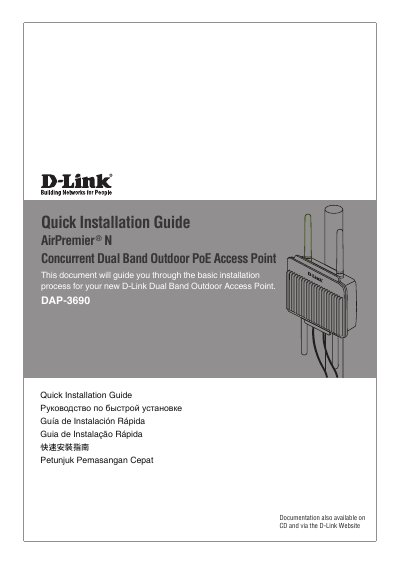
The D-Link DAP-3690 is a concurrent dual-band outdoor PoE access point designed for professional installation. The guide provides step-by-step instructions for physical installation, including mounting options (wall or pole), antenna attachment, grounding, and connecting the PoE base unit to the network.
It also explains how to connect a local computer for initial configuration using the default IP address 192.168.0.50, and describes deployment modes such as AP mode and WDS with AP mode. Technical support contacts for various regions are listed at the end.
| Product Type | Concurrent Dual Band Outdoor PoE Access Point |
|---|---|
| Default IP Address | 192.168.0.50 |
| Antennas | Four Dipole Antennas |
| Mounting Options | Wall mount and Pole mount kits |
| Console Port | RJ-45 console port with waterproof enclosure |
| Grounding | Grounding point on bottom of unit |
| Wireless Standard | IEEE 802.11n |
| Power | PoE (Power over Ethernet) via PoE base unit |
| Installation Requirement | Professional installation required |
The default IP address is 192.168.0.50.
Connect a PC to the power injector's Ethernet port using a Category 5 Ethernet cable, assign a static IP in the 192.168.0.x range (excluding 192.168.0.50), then ping 192.168.0.50 and access the web interface.
The package includes wall mount kits and pole mount kits for installation.