
This guide provides step-by-step instructions for setting up the D-Link DSR-500AC/1000AC Wireless AC Services Router.
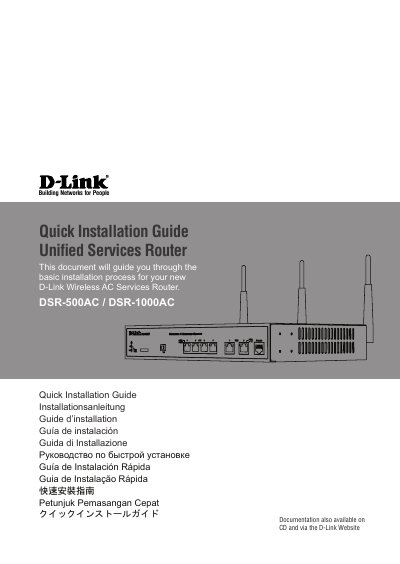
This guide gives step-by-step instructions for setting up the D-Link DSR-500AC/1000AC Wireless AC Services Router. It describes unpacking, front-panel features, rack mounting, and connecting power and network cables.
It also covers initial configuration through the WebUI or a console connection, including default interface settings, login information, browser compatibility, and console parameters.
| Default LAN IP address | 192.168.10.1/24 |
|---|---|
| Default WAN1 IP address | DHCP client 0.0.0.0/0 |
| Console baud rate | 115200 |
| Console data bits | 8 |
| Console parity | None |
| Console stop bits | 1 |
| Console flow control | None |
| USB ports (DSR-500AC) | One |
admin
admin
https://192.168.10.1
Baud rate 115200, 8 data bits, no parity, 1 stop bit, and no flow control.