
The TC21 is a rugged tablet designed for business users. It features a 10.1-inch display with a resolution of 1920x1200. It is powered by a Qualcomm Snapdragon 660 processor, has 4GB of RAM, and 64GB of storage. It also has an 8-megapixel rear camera and a 5-megapixel front camera. The TC21 runs Android 9 and supports multiple connectivity options, including Wi-Fi, Bluetooth, and NFC.
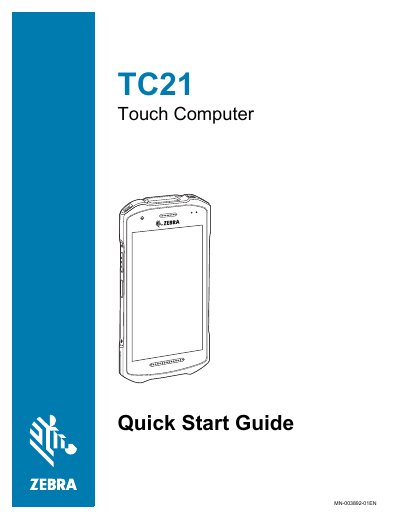
This guide helps users unpack and set up the Zebra TC21 touch computer, including installing an optional microSD card, installing the battery, and charging the device.
It also describes front and rear features, charging accessories and LED indicators, and scanning with the internal imager.
| Standard battery capacity | 3,300 mAh (typical) / 3,100 mAh (minimum) |
|---|---|
| Extended battery capacity | 5,400 mAh (typical) / 5,400 mAh (minimum) |
| Standard battery charging time | Fully depleted to 90% in approximately 2.5 hours; to 100% in approximately three hours |
| Extended battery charging time | Fully depleted to 90% in approximately four hours; to 100% in approximately five hours |
| USB-C connector | USB host and client communications and device charging |
The package includes the touch computer, a PowerPrecision Lithium-ion battery, and a Regulatory Guide.
The microSD card slot is located under the battery pack.
Insert the battery bottom first into the battery compartment, then press it down until the release latches snap into place.
It requires a USB-C cable (CBL-TC5X-USBC2A-01) and a power supply (PWR-WUA5V12W0xx).