
Philips 190S7 LCD Monitor Safety and Troubleshooting Information

This document describes the safety and troubleshooting information for Philips LCD monitors.
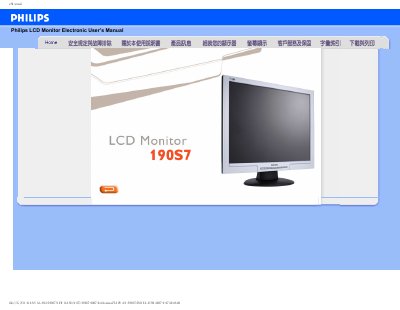

Philips 190S7 LCD Monitor Safety and Troubleshooting Information - cover page
Brand
Philips
Category
Monitor
Document type
User Manual
Language
Chinese
Pages
93
File format
PDF
File size
2 MB
Published
16 November, 2023
Updated
16 November, 2023
Model
190S7
MD5 checksum
970FA19CAFAB67109754CA4959BDB551

About this manual

This document provides safety precautions, operating and storage conditions, and frequently asked questions for the Philips 190S7 LCD monitor.

It also covers recommended video mode and refresh-rate notes, cleaning guidance, color settings, and VESA wall-mounting information. This manual is written in Chinese.

What's inside

  • Safety and Troubleshooting Information
  • Safety measures and repair
  • General common problems
  • Troubleshooting
  • Regulations
  • Other related information
  • FAQs (Frequently Asked Questions)
  • Screen adjustment
  • Compatibility with other devices
  • LCD screen technology

Specifications

Operating humidity20-80% RH
Recommended video mode1280 x 1024 @ 60 Hz
VESA mounting holesFour standard VESA mounting holes

Frequently asked questions

What should I do if the screen shows "Cannot display this video mode"?

Set the recommended video mode to 1280 x 1024 @ 60 Hz, then reconnect the Philips LCD monitor.

What does refresh rate mean for an LCD monitor?

For LCD monitors, refresh rate is less important; a 60 Hz rate gives a stable, flicker-free image.

How should I clean the LCD surface?

Use soft tissue for routine cleaning and dilute alcohol for thorough cleaning; do not use other solvents.

Can the Philips LCD monitor be wall-mounted?

Yes, it can be mounted using the four standard VESA mounting holes on the rear panel.

Download PDF (2 MB)

More Philips Manuals


View all Philips manuals →