
Philips IntraSight Mobile Interventional applications platform Mobile series 5 in-service guide, introducing how to power up the system and prepare it for use, and how to initiate an iFR/FFR case.
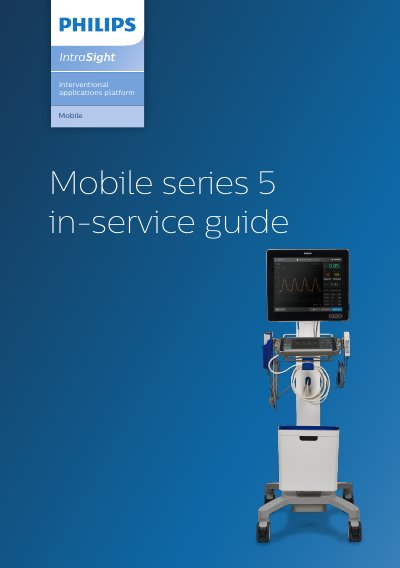
This document serves as an in-service guide for the Philips IntraSight Mobile series 5 interventional applications platform. It covers the procedures for powering up the system, accessing user accounts, and initiating specific clinical workflows such as iFR and FFR measurements. The guide details the steps for connecting pressure wires, performing autozeroing, and executing spot measurements or pullbacks.
The Service option should only be accessed by Field Service Engineers or Philips Sales Team through FSE guidance.
The iFR measurement may take up to 25 cardiac cycles, depending on the stability of the pressure readings.
The clinician can pull the pressure wire back at 1mm per second across the length of the vessel to be assessed.