
This is a user manual for a Philips tablet.
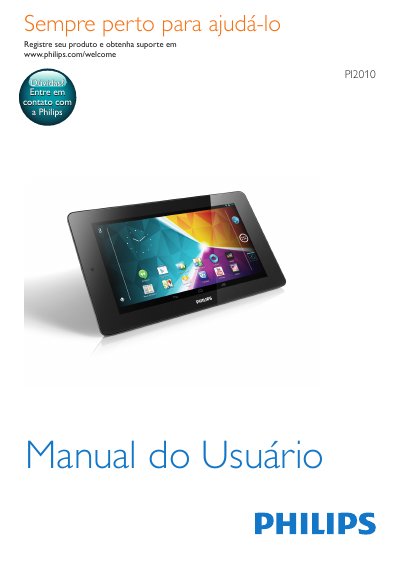
This user manual is for the Philips PI2010 tablet. It covers safety instructions, product overview, controls, first steps, basic operation, connections, applications, browser, email, camera, calendar, corporate network use, settings, firmware updates, technical data and warranty.
The manual also explains charging, power saving, screen lock, text entry, Wi-Fi, storage, battery, app installation, email setup, VPN, accessibility and device information. This manual is written in Portuguese.
| Battery | Rechargeable; limited charge cycles; battery life and charge cycles vary by use and settings |
|---|---|
| Storage capacity | 1 GB = 1 billion bytes; available capacity is lower; part of memory is reserved for the device; based on 4 minutes per song at 128 kbps MP3 |
Connect the tablet to the supplied USB adapter with the USB cable and charge it for more than three hours.
Press and hold the power/lock button until the device turns on or off.
Set a lower screen timeout and, during standby, disable Wi-Fi by selecting Never under Keep Wi-Fi on during sleep.
Press the reset hole with a non-sharp object such as a paper clip.