
This manual describes how to use the Philips DVD players DVP2880 and DVP2882.
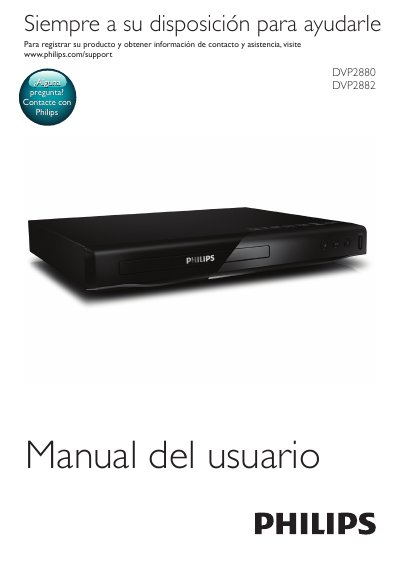
This user manual covers the setup and operation of the Philips DVP2880 and DVP2882 DVD players. It details how to connect the device to various outputs such as HDMI, SCART, and Coaxial, and explains the functions of the remote control buttons for playback, navigation, and menu access. The guide also includes instructions for using Philips EasyLink and managing disc menus. This manual is written in Spanish.
| Supported Formats | DVD, VCD, CD, MP3, JPEG |
|---|---|
| Copyright Year | 2016 |
Visit www.philips.com/support to register your product and get contact information.
You must first register your device at vod.divx.com using the registration code found in the device setup menu.