
This document describes the Philips MRI 8/28/2017 EP 1 Advanced Imaging Guide.
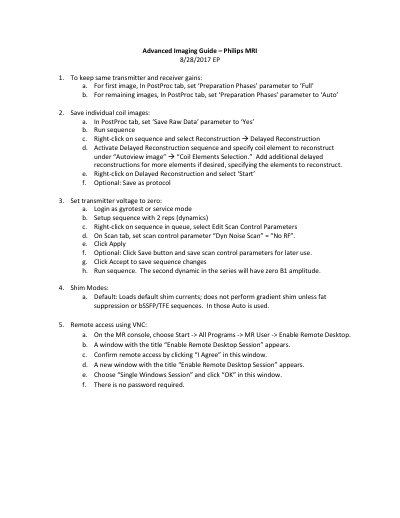
This one-page guide lists advanced imaging steps for a Philips MRI system. It covers keeping transmitter and receiver gains, saving individual coil images, setting transmitter voltage to zero, shim modes, and enabling VNC remote access.
Set Preparation Phases to Full for the first image and Auto for the remaining images in the PostProc tab.
Set Save Raw Data to Yes, run the sequence, then use Delayed Reconstruction and select the coil elements.
Use a two-repetition sequence with Dyn Noise Scan set to No RF; the second dynamic has zero B1 amplitude.
Enable Remote Desktop from MR User, agree to the session, then choose Single Windows Session.