
This document is a user manual for a Philips home theater system. It describes the features and functions of the product, including how to connect, set up, and use it.
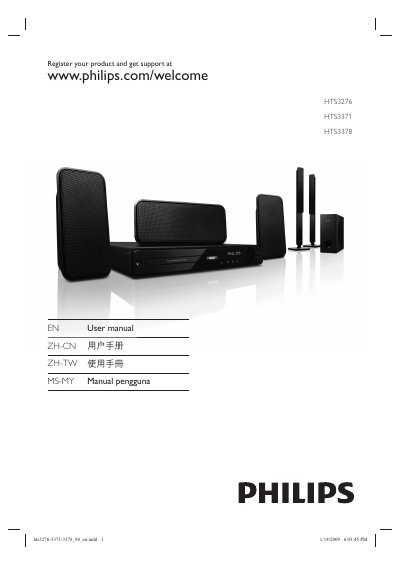
This user manual covers the Philips HTS3276, HTS3371 and HTS3378 home theater systems. It explains safety information, product overview, connections, initial setup, playback, sound and settings adjustments, specifications and troubleshooting.
The systems include features such as video up to 1080p, Philips EasyLink, uncompressed 5.1-channel surround sound, USB 2.0 and MP3 Link. HTS3371 and HTS3378 use different speakers. This manual is written in Chinese.
| Video resolution | Up to 1080p |
|---|---|
| Surround sound | Uncompressed 5.1-channel |
| USB connection | USB 2.0 |
| USB playback formats | MP3/WMA/JPEG/DivX |
| Radio band | FM |
The system supports video up to 1080p.
MP3, WMA, JPEG and DivX files can be played from USB.
Place it in a corner or at least 3 feet from the TV.
The (靜音) button mutes or restores audio output.