
The document is the user manual for PCE-TC 3D infrared thermal imager.
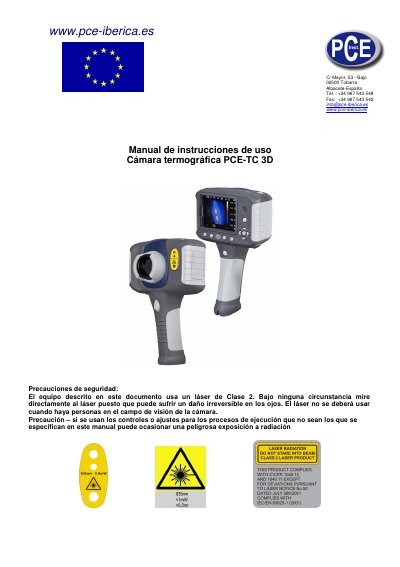
This is the user manual for the PCE PCE-TC 3D infrared thermal imager. It includes safety precautions for the Class 2 laser, a product tour, main controls, startup, battery charging and replacement, focus, saving images, and temperature measurement.
Later sections describe the hotkey buttons, menu structure, infrared and measurement options, camera, audio, image explorer, date and time, language, and display settings, plus adding voice or text messages to saved images. The appendix contains emissivity tables, a complete icon list, and technical specifications. This manual is written in Spanish.
| Field of view | 20° x 15° |
|---|---|
| Minimum focus | 30cm |
| Spectral response | 8µm - 14µm |
| Thermal sensitivity | NETD ≤80mK |
| Detector | 160×120 uncooled microbolometer |
| Image storage | Over 1000 images on micro SD card |
| Display | 3.5-inch color LCD with LED and 8 color palettes |
| Electronic zoom | x2; x4 |
| Laser pointer | Class 2 integrated laser |
| Temperature range | -10 °C to +250 °C |
| Accuracy | Greater of ±2 °C or ±2% of reading |
| Battery | Lithium-ion accumulator |
| Operating time | 5 hours |
| Dimensions | 130mm x 95mm x 220mm |
Approximately 5 hours.
It is a Class 2 laser.
-10 °C to +250 °C.
Over 1000 images.