
Spanish user manual for the PCE-HT 71N humidity and temperature data logger, covering safety, specs, LED status, battery change and Graph software.
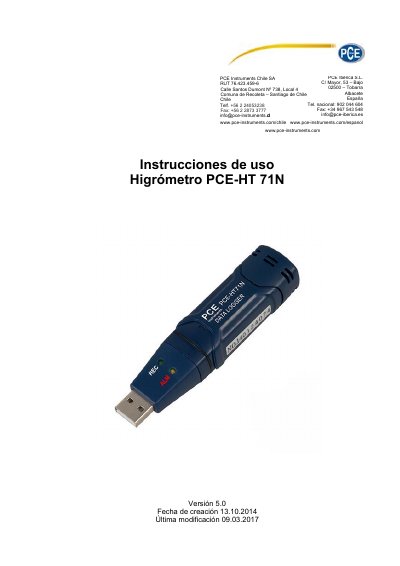
This is the Spanish-language instruction manual for the PCE-HT 71N, a temperature and humidity data logger from PCE Instruments. It explains the device's features, including 32,000 stored values (16,000 per parameter), a selectable logging interval from 2 seconds to 24 hours, USB connection to a PC, and included mounting and software.
The manual covers safety information, technical specifications, LED status indications, battery replacement, and use of the included Graph data-logger software: installation, logger setup, starting logging, downloading and saving data, and the Data Graph window. This manual is written in Spanish.
| Measurement range | 0 ... 100 % RH / -40 ... +70 °C |
|---|---|
| Accuracy | ±3 % RH / ±1 °C |
| Dew point | ±2 °C at 25 °C / 40-100 % RH, calculated by software |
| Resolution | 0.1 % RH / 0.1 °C |
| Logging rate | freely adjustable 2 seconds ... 24 hours |
| Memory | 32,000 values (16,000 per parameter) |
| Status indication | 2 LEDs (logging in progress / alarm) |
| Interface | USB |
| Power supply | 1 x 3.6 V lithium battery |
| Dimensions | 106 x 24 x 24 mm |
| Weight | 25 g (without battery) |
Indica que el registrador está registrando y se ha activado la alarma alta para temperatura.
No, el registro se detiene automáticamente pero no se pierde ningún dato almacenado.
Además del formato estándar .rec, los datos se pueden guardar como fichero de texto (.txt), Excel (.xls) o bitmap (.bmp).
Presione la tecla amarilla del registrador hasta que ambos LED parpadeen simultáneamente.