
This is an instruction manual for the industrial electronic scale PCE PM 62/150/300
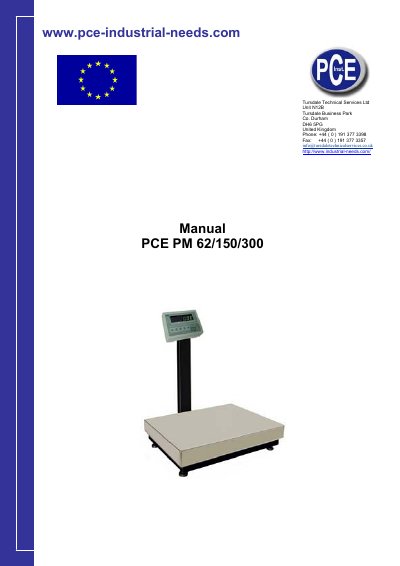
This manual describes the PCE-PM 62, PCE-PM 150 and PCE-PM 300 platform scales in their standard balance version. It covers the general description, included parts, technical data, safety principles, keys and indicators, preparation for work, starting the balance and operation principles.
The document also explains balance testing, adjustment requirements, optional connection to a computer or printer, and special functions such as common weighing, weighing with tare, resolution increasing, automatic zeroing, piece counting, printer cooperation mode, serial port settings, tare entering and menu updates. Maintenance, small repairs and a declaration of conformity are included.
| Maximum loading | 60 kg, 150 kg, 300 kg |
|---|---|
| Verification unit (e) | 20 g, 50 g, 100 g |
| Accuracy class | III |
| Working temperature | -10 to +40 °C |
| Weighing time | <4 s |
| Pan dimensions | 400x500 mm; 600x500 mm; 600x650x150 mm |
| Scale height | 740 mm |
| Power supply | 230 V, 50 Hz, 8 VA |
| Internal feeding (option) | 6 V/12 Ah accumulator |
The manual lists maximum loads of 60 kg, 150 kg and 300 kg.
The air bubble should be located in the middle position.
Press the 0 key.
Yes. The balance is equipped with an RS232C or optional RS485 connector for data transfer to external devices.