
This document is the installation manual of GLB Wallbox, which introduces the installation steps, function settings, software updates and troubleshooting.
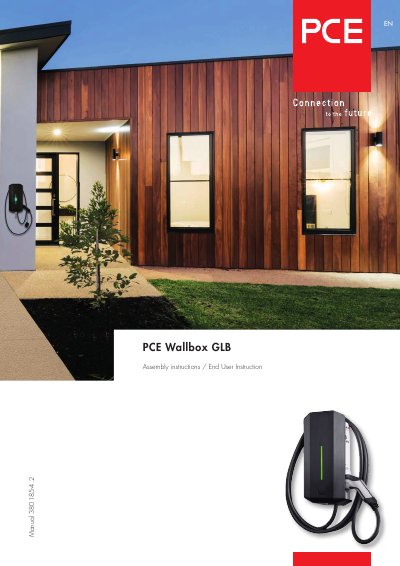
This is the PCE manual 380185-4.2EN for the GLB Wallbox, an AC charge station for electric vehicles. The first part contains assembly instructions intended for installation by qualified electricians: required tools and materials, box content, protection types and fuse selection, DIP switch settings, remote enable, Dynamic Load Management (DLM), RFID reader installation and LAN connection via RJ45, ending with a dimensional drawing.
The second part addresses end users and covers charging electric vehicles, resetting or conditioning the RCCB/RCBO, the web interface over WLAN or Ethernet, RFID options, charge current settings and DLM, software updates and identification, care, troubleshooting and technical data. The manual states that the product enables Mode 3 charging, complies with IEC 61851-1 and IEC TS 61439-7, and has IP Code IP44 with a closed front.
| Charging mode | Mode 3 AC charging |
|---|---|
| Standards | IEC 61851-1 and IEC TS 61439-7 |
| Protection rating | IP44 with closed front |
| Mains fuse | Max 32 A in the supply distribution box |
| Type label ratings (example) | 230/400 V, 32 A, 50 Hz |
| Backup fuse for parallel 1-phase group | Shall not exceed 125 A |
All installation must be carried out by an authorised installer and comply with local installation regulations.
The product complies with IP Code IP44 with a closed front, and the front cover must always be locked in its upper position to keep this.
No. Cord extension sets for the charging cable are not allowed to be used, and adapters for charging connectors are not allowed either.
Clean it with a soft, dry cloth; never use detergent.