
The document describes the features and how to use the Sony remote control.
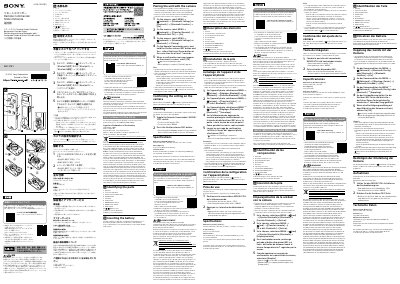
The Sony RMT-P1BT Remote Commander is a Bluetooth-compatible remote commander for cameras. This Startup Guide describes the initial preparations and basic operation, including identifying the parts, inserting the battery, pairing the unit with a camera, and shooting.
The guide also lists main specifications and warranty/after-sales information, and refers readers to the web Help Guide for detailed instructions. This manual is written in Japanese.
| Model | RMT-P1BT |
|---|---|
| Connectivity | Bluetooth |
| Dimensions (approx.) | 33 mm x 116.5 mm x 51 mm |
| Mass (approx.) | 35 g (excluding battery) |
| Battery | Lithium coin battery (CR2032) |
Insert the battery with the + terminal facing upward, then turn the battery cover toward CLOSE until it stops.
Enable Bluetooth and Bluetooth Rmt Ctrl on the camera, select Pairing, then press and hold the Shutter-release/REC button and the + side of the Focus/Zoom button for at least 7 seconds.
Use the MOVIE/STILL switch: set it to STILL for still images or MOVIE for movies.
It uses a lithium coin battery (CR2032).