
G2000/G3000/G6000 Label Printer User Manual, introduces the specifications and instructions for use of the product.
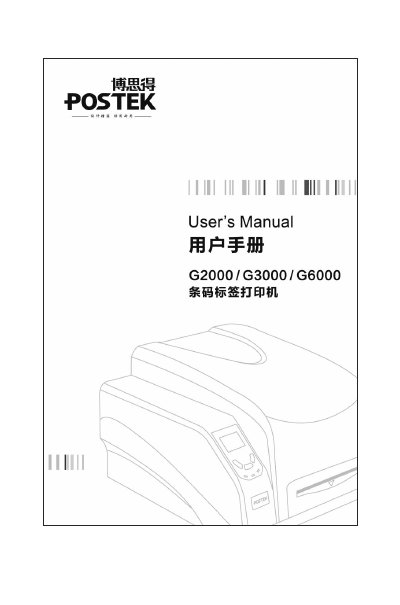
The manual lists printer and power adapter specifications, unpacking and accessory checks, installation and connection, ribbon and paper roll loading, paper sensor adjustment, control panel operation, and Windows driver and label editing software installation. It also covers printhead and roller cleaning, fault indications, general troubleshooting, and serial and parallel interface specifications.
The printers support thermal transfer and direct thermal printing, with thermal transfer set as the factory default. Resolutions differ by model: 203 dpi for G2000, 300 dpi for G3000, and 600 dpi for G6000. This manual is written in Chinese.
| Print Method | Thermal transfer |
|---|---|
| Resolution | G2000: 203 dpi (8 dots/mm); G3000: 300 dpi (11.8 dots/mm); G6000: 600 dpi (23.6 dots/mm) |
| Maximum Print Speed | G2000/G3000: 6 ips (153 mm/s); G6000: 4 ips (101.6 mm/s) |
| Maximum Print Width | G2000: 108 mm; G3000: 106 mm; G6000: 105.6 mm |
| Maximum Print Length | G2000: 8000 mm; G3000: 4000 mm; G6000: 1016 mm |
| Memory | 8 MB FLASH ROM, 16 MB SDRAM |
| Label Roll Size | Width max 110 mm, min 25 mm; outer diameter max 152 mm; inner diameter min 25.4 mm |
| Ribbon Size | Outer diameter max 70 mm; inner diameter 25.4 mm; max width 110 mm; max length 300 m |
| Interfaces | RS-232 serial, 10/100M Ethernet, USB DEVICE 2.0, USB HOST, Centronics parallel (optional) |
| Input Power | 24 V 4.0 A |
| Weight | 3.5 kgs |
| Dimensions | 256 mm W x 329 mm D x 200 mm H |
The printer supports thermal transfer and thermal printing modes.
It has RS-232 serial, 10/100M Ethernet, USB DEVICE 2.0, and USB HOST interfaces, with Centronics parallel as an option.
The manual says to wipe the printhead surface only with anhydrous ethanol.
The power adapter outputs DC 24 V at 4.0 A.