
The manual provides installation, operation, maintenance and troubleshooting instructions for the POSTEK C168 label printer.
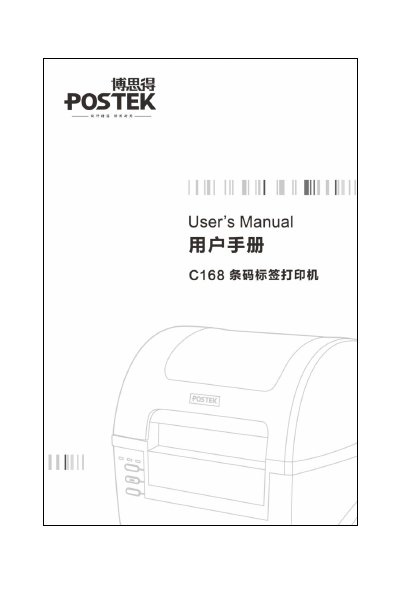
This user manual explains how to install and use the POSTEK C168 label printer, including safety precautions, power requirements and connection methods. It also lists the technical specifications such as printing method, resolution, speed and supported interfaces.
The guide covers routine maintenance like print‑head cleaning, roller cleaning and detector cleaning, as well as detailed troubleshooting steps for common errors. Appendices provide IO interface pinouts and an ASCII code table for advanced users. This manual is written in Chinese.
| Printing method | Thermal transfer |
|---|---|
| Resolution | 203 dpi / 300 dpi |
| Maximum print speed | 4 ips (101.6 mm/s) / 3 ips (76.2 mm/s) |
| Maximum print width | 4.25 in (108 mm) |
| Memory | 8 MB Flash ROM, 16 MB SDRAM |
| Power input | 24 V 2.5 A |
| Interfaces | RS‑232, USB 2.0, optional Centronics parallel, optional 10/100 Mbit Ethernet |