
This document is the user manual of Postek C168 label printer. It mainly introduces the functions and features, installation and usage methods and troubleshooting methods of the printer
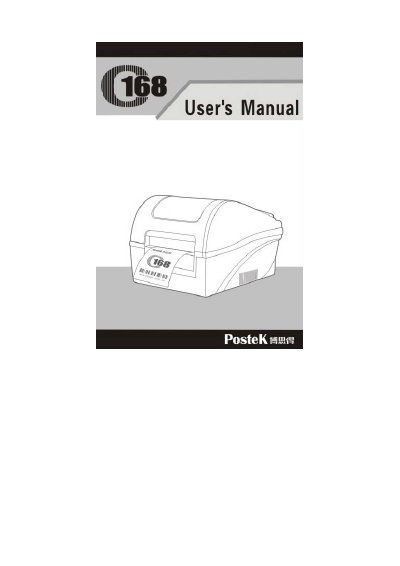
This manual provides step-by-step instructions for setting up and operating the Postek C168 label printer. It includes details on connecting the printer, loading media and ribbon, adjusting settings, and performing basic operations. Safety precautions and maintenance procedures are also covered to ensure proper use and longevity of the device.
Troubleshooting guidance is provided for common issues such as print errors, media jams, and connectivity problems. The manual also includes technical specifications, interface details, and an ASCII table for reference.
| Printing method | Direct thermal & Thermal transfer |
|---|---|
| Printing resolution | 203dpi (8dots/mm) |
| Max printing speed | 3ips /s (76.2mm) |
| Max printing width | 4.09 ″(104mm) |
| Max printing length | 20 ″ (508mm) |
| Memory | 2MB FLASH ROM, 2MB SDRAM |
| Power rating | 24 VDC, 2.0A |
| Weight | 2.8kgs |
| Dimensions | W236 x D291 x H199mm |
| Operation environment temperature | 40 °F–100°F (0°C – 40°C) |
| Relative humidity | 5% - 85% non condensing |
The maximum printing width is 4.09 inches (104mm).
The printer supports RS-232 serial and USB interfaces.
The power rating is 24 VDC, 2.0A.
It supports Windows True Type Fonts (with Windows drivers), built-in ASCII font, and a 24 × 24 dot matrix Chinese font.