
POSTEK TX series label printer user manual, introduces the characteristics, use methods, maintenance and troubleshooting of the printer.
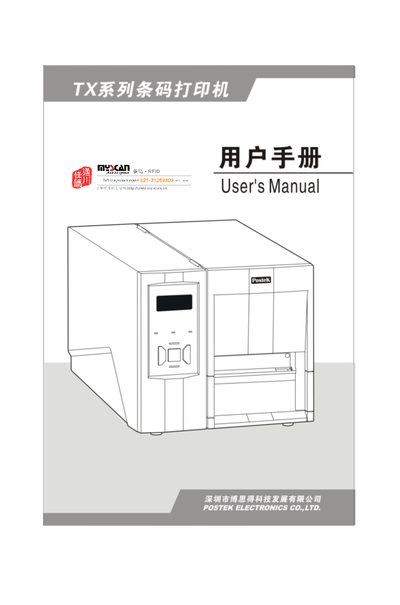
This manual introduces the POSTEK TX Series label printer, covering its technical specifications, unpacking checklist, and required accessories. It guides users through safe installation, connection of power and data interfaces, and loading of ribbons and label rolls.
Detailed sections describe operation controls, LCD functions, print‑head pressure adjustment, driver installation, and label‑editing software. Maintenance procedures, such as cleaning the print head and rollers, and a comprehensive troubleshooting guide help keep the printer running reliably. This manual is written in Chinese.
| Printing method | Thermal / Thermal Transfer |
|---|---|
| Resolution | 203 dpi (8 dots/mm) / 300 dpi (11.8 dots/mm) |
| Maximum print speed | 8 ips (203.2 mm/s) / 6 ips (152.4 mm/s) |
| Maximum print width | 4.09 in (104 mm) / 4.17 in (106 mm) |
| Label roll width | 0.79 in – 4.56 in (20 mm – 116 mm) |
| Power supply | 220 VAC ±10%, 50/60 Hz |
| Interface options | RS‑232 serial, Centronics parallel, USB, PS/2 |
The printer provides RS‑232 serial, Centronics parallel, USB, and PS/2 interfaces for connecting to a host computer.
It operates on 220 VAC ±10% at 50/60 Hz.