
The POSTEK T Series barcode printer user manual provides installation, configuration, operation, and troubleshooting instructions.
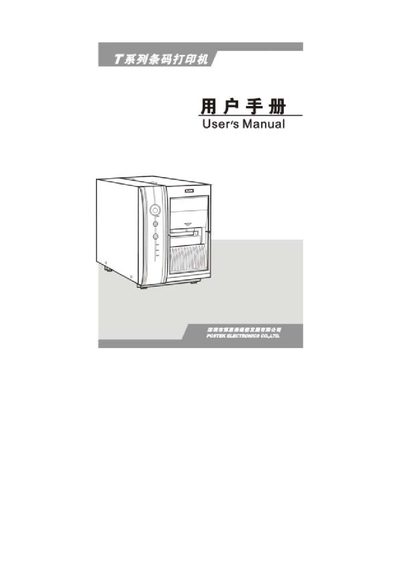
This manual covers everything needed to set up and use the POSTEK T Series barcode printer. It includes step‑by‑step installation guidance, configuration of communication interfaces, and detailed operating procedures.
Additional sections describe maintenance tasks, technical specifications, supported barcode symbologies, and a troubleshooting guide to resolve common issues. This manual is written in Chinese.
| Print resolution | 203 dpi (8 µm/°) / 300 dpi (11.8 µm/°) |
|---|---|
| Print speed | 8 ips (203.2 mm/s) / 6 ips (152.4 mm/s) |
| Power supply | 100 ~ 240 V AC + 10 %, 50/60 Hz |
| Dimensions (W × H × D) | 280 mm × 488 mm × 388 mm |
| Supported interfaces | RS‑232, Centronics, USB, 100/10 M‑bit Ethernet |
It supports RS‑232, Centronics parallel, USB, and 100/10 M‑bit Ethernet interfaces.
The printer operates from 100 ~ 240 V AC + 10 % at 50/60 Hz.
The printer can print at up to 8 ips (203.2 mm/s) or 6 ips (152.4 mm/s) depending on the mode.